October 6, 2026 · 4 min read
The DayOtter app now runs your whole setup, not just your day
For a while the phone app could show your bookings and not much else. That bugged us. Here's what changed, and what you can now do without opening a laptop.
By The DayOtter team
For a long time the DayOtter app was the polite version of the product. It showed your day, listed what was coming up, and let Otter book a thing or two by voice. The moment you wanted to actually change how you work, a new booking type, a routing form, your team's rotation, you were back at a laptop.
That always felt backwards. Scheduling happens when you're between things: in a hallway, on a train, waiting for a coffee. So we spent the last stretch closing the gap. The app is now a full DayOtter client, not a companion to one.
What you set up on the web, you change on your phone
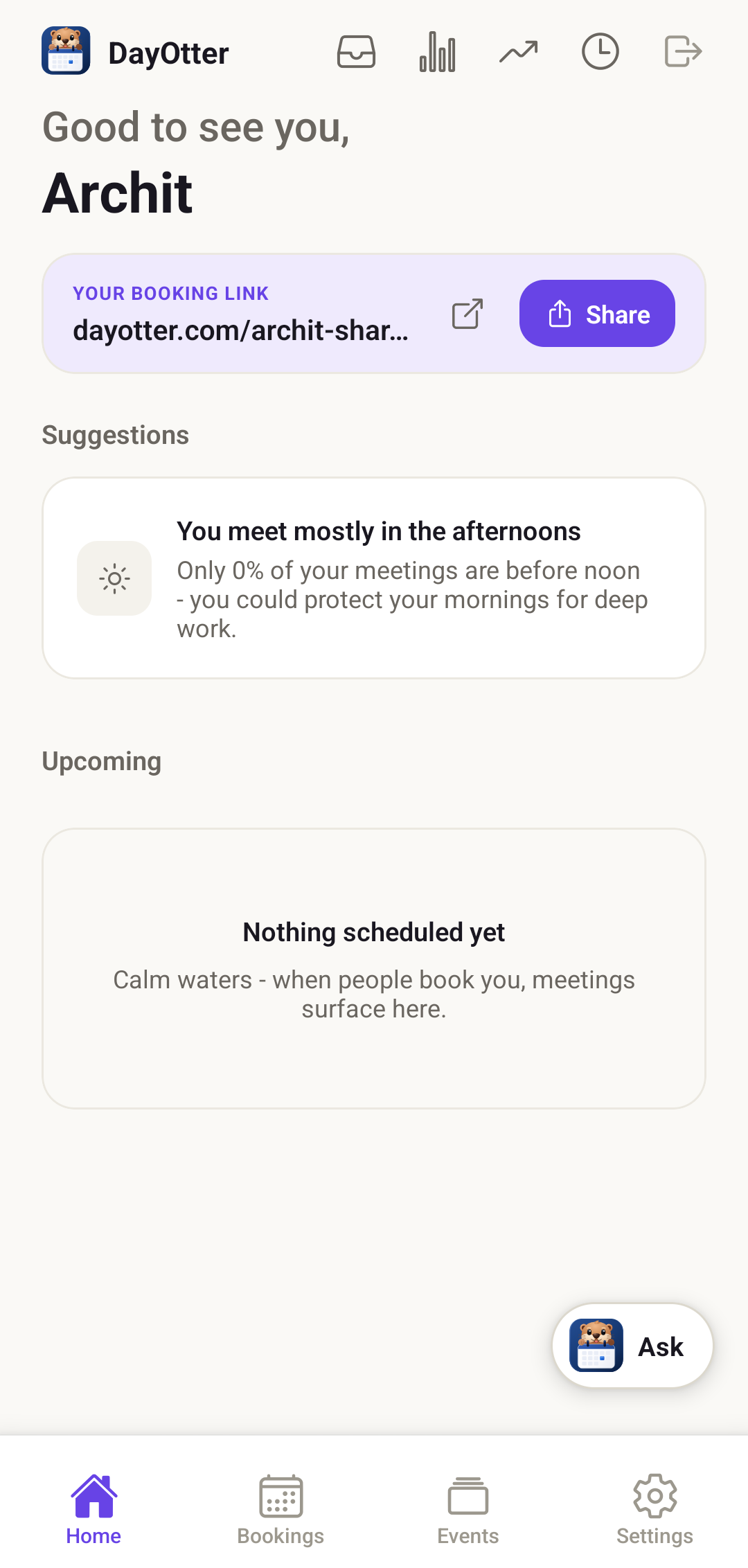
Booking types, availability, teams, routing, polls, reminders, payments, the apps you connect: all of it is now editable from the app, with the same rules and the same safeguards as the web.
None of this is a trimmed-down mobile version. A change you make waiting for the bus is the same change you'd make at your desk, written to the same place.
Connect your calendars and tools from the couch
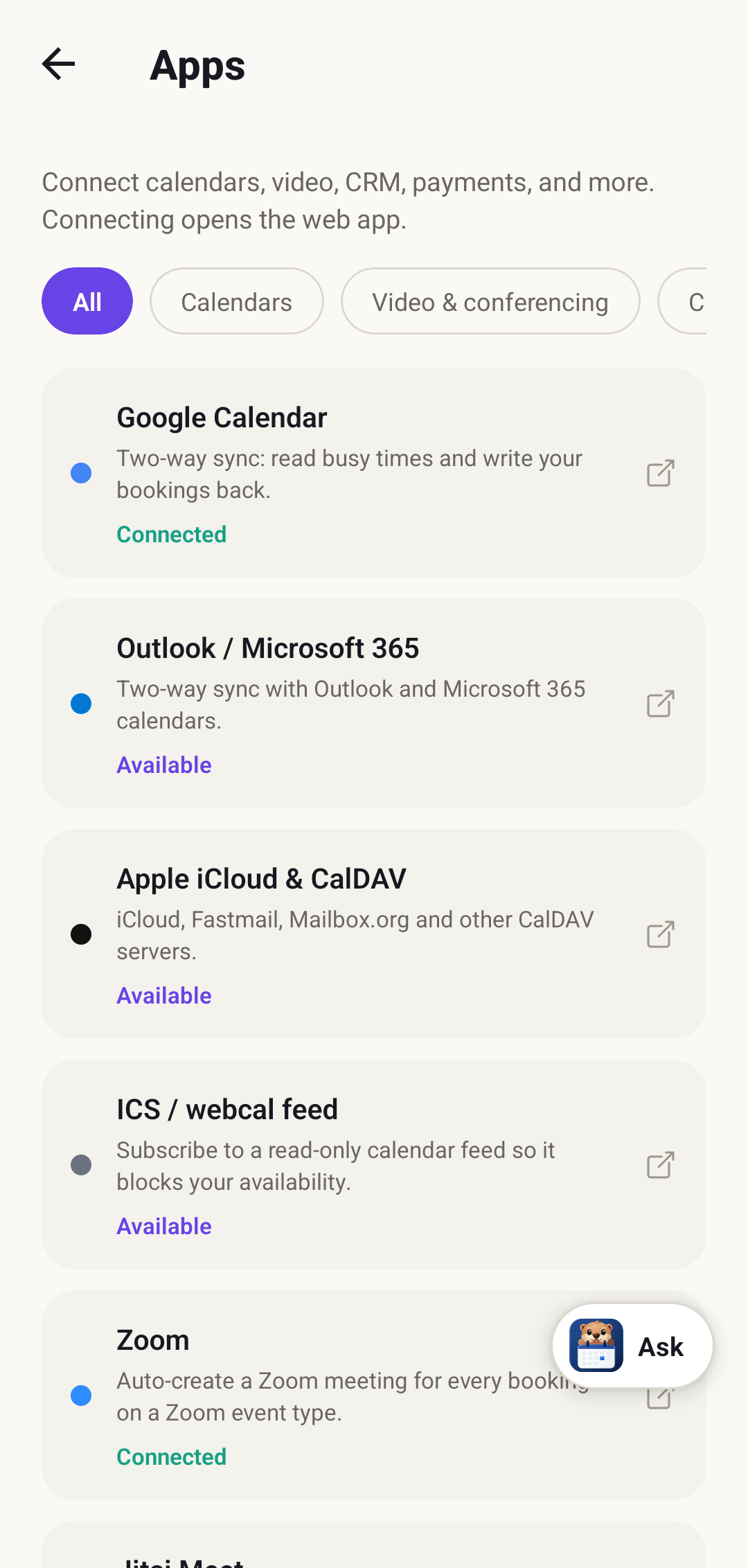
Open Apps and your calendars, video, CRM, and payments are in one list. Connect Google or Outlook so DayOtter reads your busy times and writes bookings back, add Zoom or Google Meet so every booking gets a link, and you're set up without touching a computer.
Set your hours, your way
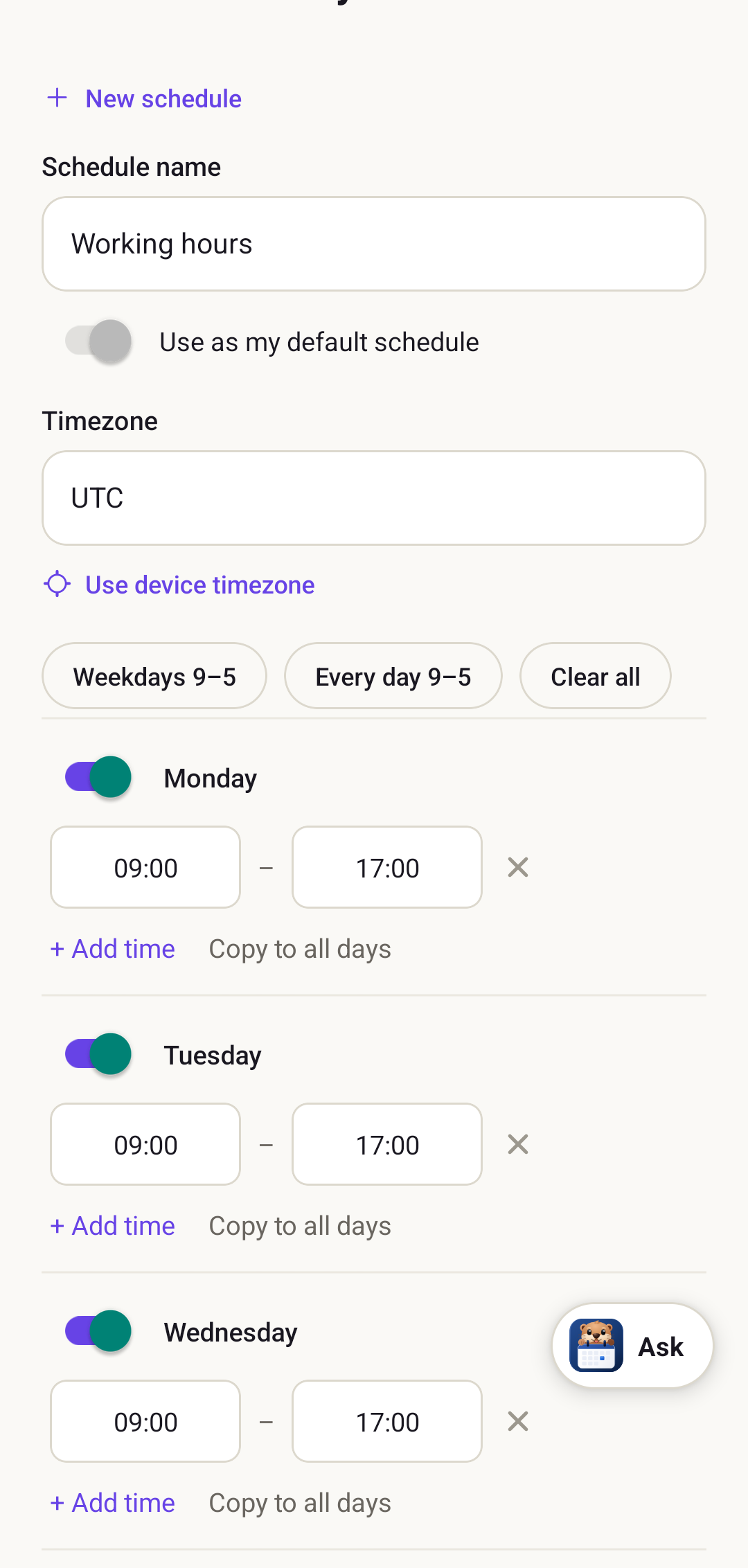
Availability is where most of scheduling actually lives, so it had to feel right on a small screen. Build as many schedules as you need, set the timezone, use a preset for a standard week, or tune each day by hand. Date overrides are there too, for the week you're away or the Friday you're not.
The team tools came along too
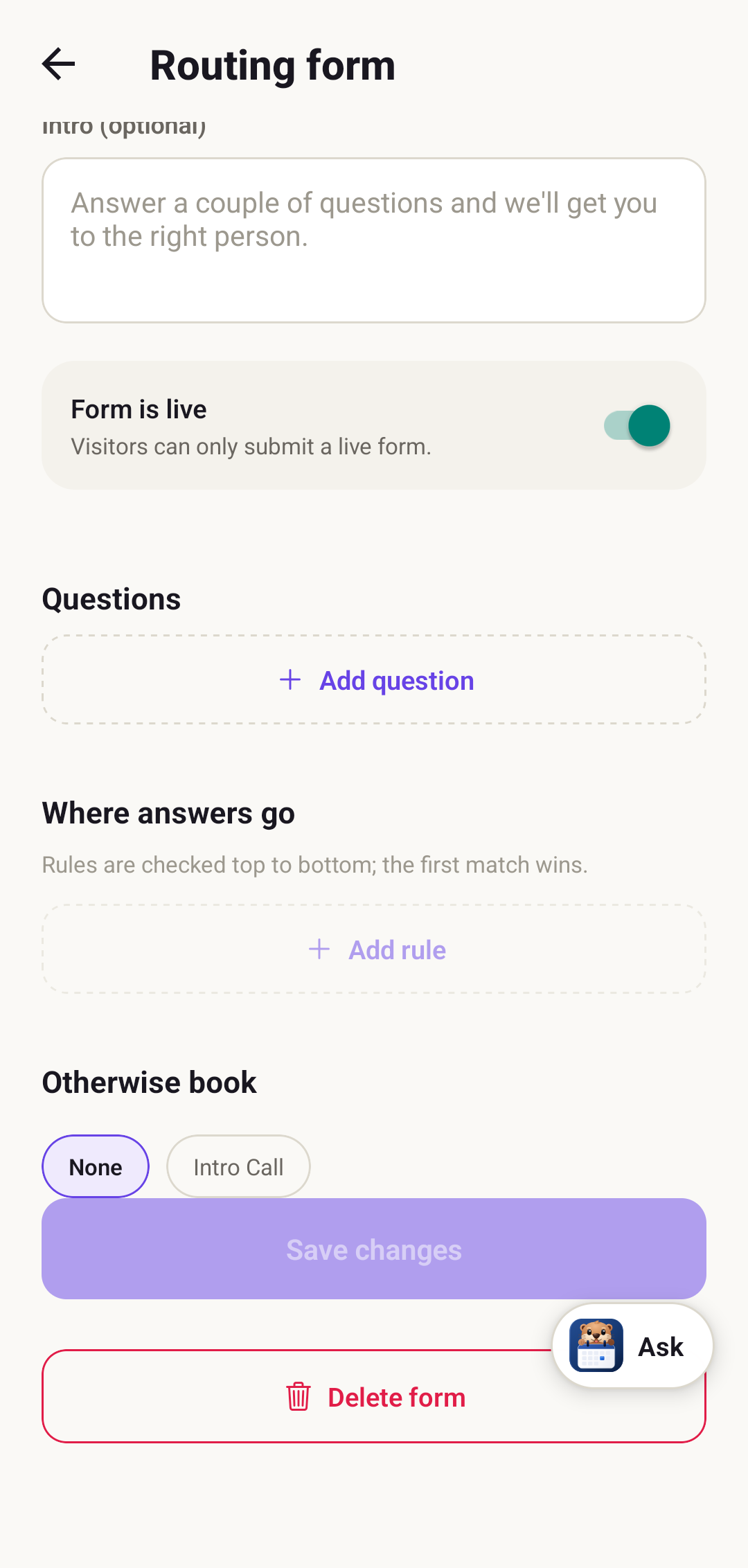
This is the part we're most pleased with. Routing forms, the ones that ask a visitor a couple of questions and send them to the right person, now build entirely on mobile: add the questions, write the rules, pick where unmatched visitors land, and flip the form live.
Round-robin and collective team events, email-invited group polls, and per-currency payouts all made the trip as well.
Still confirm-first, still yours
Otter is in the app the whole time, a tap away, and it still proposes before it acts. Ask it to book someone, move a meeting, or hold focus time by voice, and it drafts the change for you to approve. Nothing lands on your calendar on its own. That rule doesn't bend just because you're on a phone.
The app is live on Google Play today, and iPhone is close behind. If you self-host DayOtter, it points at your own server, so your data stays yours. Give it a go and tell us what you want next.
Ready to try it? Get started free or see pricing.